Software Factory In Cursor
Over the past few weeks, I built and ran a custom workflow loop within Cursor that lets me define a single sentence product outcome for my mobile app and delegate the development from spec creation to verified code through an orchestrator and multiple specialized subagents. So far, I’ve run ~130 features through this loop, generating ~125 specs and ~800 engineering tasks, including ~200 automated bug fixes caught by typechecking, bug review, and security review before I ever tested on a device.
I wanted a repeatable model where:
My input stays minimal - I type the outcome I want without defining the implementation steps every time
Specialized roles are delegated to agents - Subagents with specific roles (product, design, architecture, implementation, verification) evaluate, research, and define the implementation path on their own
Important gates and guardrails stay under my control - Application code and files can’t be touched until I can explicitly approve a spec or resolve any product blockers
QA and debugging is built in - Automated verification creates and implements targeted fix tasks before handing the build back to me
I also wanted to steer the setup away from one-off prototypes and toward a workflow I can refine over time that produces stable production code. Also, I wanted to spend more of my energy verifying the end experience and less on implementation mechanics while still allowing me to maintain familiarity with the codebase.
Chat Interaction
While in normal agent chat, I use custom slash commands to kick off a new feature or change and control important gates throughout the development.
I type a one sentence outcome (e.g. /fw new add a subtle haptic when the Send button is tapped)
Orchestrator creates an inbox task, infers its size, and runs Product, Design, and/or Architect subagents as needed to explore, research, and create a spec file
Once spec is ready, it pauses and asks me to review the file
I approve with a /fw approve command
Orchestrator decomposes work into specific queue tasks, runs Explore as needed, edits the codebase with Implement, and moves completed tasks to dedicated folders
Verifier runs across the diff and summarizes a targeted list of QA checks for me to test on my device
I accept the build and mark the task done with a command
Across the workflow, agents are instructed to reference living product and technical documentation within the project directory that define constraints I own and manage. In the scenario that the agent identifies an unstated tradeoff, it is instructed to not guess and escalate to me as a blocker with suggested options and recommendations. Before a spec is approved, I have an opportunity to review and resolve blockers within the chat before implementation.
If a bug is caught during verification, the Verifier subagent is instructed to first document a separate fix task with the exact reproduction details before surfacing to me for review. I have the option to approve implementing the fixes without adjusting or modifying the initial scope or spec while still tracking under the same feature scope or ticket queue.
Setup and Project Structure
| Primitive | Path | When it loads | Job |
|---|---|---|---|
| Always-on Rule | .cursor/rules/workflow.mdc | Every chat | Enforces any approval gates. Points commands to the skill |
| Dynamic Rule | .cursor/rules/fw-commands.md | When user types fw … or /fw-* | Normalizes command phrasing and delegates execution to an orchestrator |
| Skill | .agents/skills/spec-workflow/SKILL.md | On demand | Single source of truth for workflow, commands, loops, phases, reference to documentation |
| Subagents | .cursor/agents/*.md | When delegated via Task tool | Agent definition per role (Orchestrator, Product, Design, Architect, Explore, Implement, Verifier) |
| Slash Commands | .cursor/commands/fw-*.md | On /fw-* | Prompt triggers (fw-new, fw-resolve, fw-approve, fw-verify, fw-done, fw-status) |
| Hooks | .cursor/hooks.json | When subagent stops | Runs any tests and loops errors back |
Project File Layout
your-repo/
├── AGENTS.md                                 # Doc authority order (Product > Architecture > Code comments)
├── docs/
│   ├── PRODUCT.md                            # Scope & explicit non-goals (hard stops)
│   ├── EXPERIENCE.md                         # User behavior & state
│   ├── UI.md                                 # Design system & tokens
│   ├── ARCHITECTURE.md                       # Layers, invariants, boundaries
│   └── QA.md                                 # Manual / device test scenarios
├── .agents/
│   └── skills/spec-workflow/SKILL.md         # Workflow procedure
├── .cursor/
│   ├── hooks.json                            # Mechanical typecheck/lint gate
│   ├── hooks/verify-types.sh
│   ├── rules/
│   │   ├── workflow.mdc                      # Always-on code gate
│   │   └── fw-commands.mdc                   # Command router
│   ├── commands/                             # fw-new.md, fw-approve.md, etc.
│   └── agents/                               # orchestrator, product, design, architect,
│                                             # explore, implement, verifier
├── scripts/
│   └── check-spec-sync.py                    # Validates blocked decisions ↔ spec
└── work/
    ├── STATUS.md                             # Auto-maintained dashboard
    ├── inbox/                                # Active parent outcomes (FEAT-001.md)
    ├── spec/                                 # Generated specs + templates
    ├── blocked/                              # Unresolved blockers that require human decisions
    ├── decisions/rules.json                  # Optional phrase checks per decision label
    ├── queue/                                # Engineering & fix tasks
    │   └── processed/                        # Completed tasks
    └── done/                                 # Completed parent inbox files
Commands
| Command | Action |
|---|---|
fw new: <outcome> |
Allocates next FEAT-###, assigns size (small / medium / large, default medium), runs agents, writes spec, updates STATUS.md, and stops. |
fw resolve FEAT-### |
Walks through open blockers through structured questions and recommendations, updates spec, runs sync script. Never sets spec_approved. |
fw approve FEAT-### |
Runs check-spec-sync.py -> sets spec_approved: true -> creates queue tasks -> runs explore + implement -> runs verifier. |
fw verify FEAT-### |
Re-runs verifier + typecheck after fixes without requiring re-approval. |
fw done FEAT-### |
Moves work/inbox/FEAT-###.md -> work/done/ after human manual QA. Post-done bugs always start a fresh fw new: Fix .... |
fw status / fw show |
Scans work/ artifacts, rebuilds work/STATUS.md, and prints current state and next action. |
Learnings
Bottleneck shifted immediately from writing/maintaining codebase to human QA
Guardrails initially built into agent skill files drifted, but improved after moving into living product documentation within the project
For large features, requiring the workflow to move in series was slow but allowed the right level of control and oversight for me to maintain the codebase (not fully delegating just yet)
In a future edit, I will include the templates and prompts for each skill or file so that anyone can implement a similar workflow.

Designing for a Social Cause
“The most common way people give up their power is by thinking they don’t have any.”
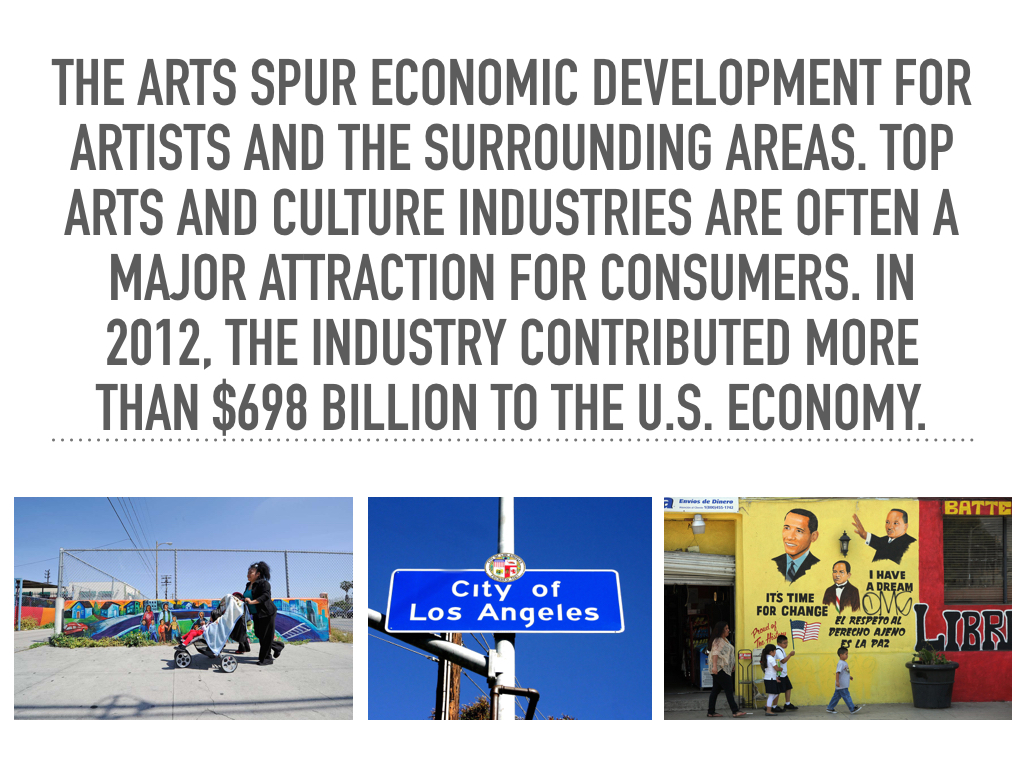
This past weekend, I participated in a design hackathon to bring change to the Southern L.A. community. We were tasked with applying design thinking to solve specific issues facing this community. Most notable, a lack of grocery stores, high pollution levels, and a local 8.4% unemployment rate.
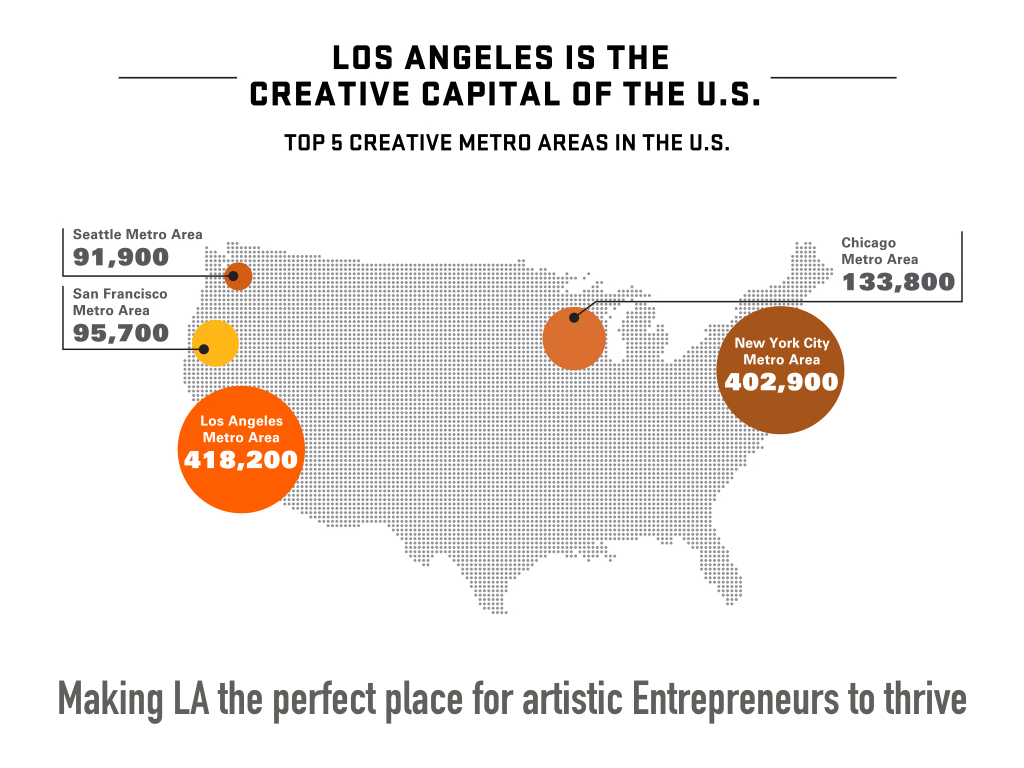
Our group decided to tackle the lack of funding that enters South L.A. We leveraged the creative capital held in Los Angeles and aimed to distribute it to South L.A. youth. The end product is Uplift, a mobile app that funnels philanthropic public donations back to the South L.A. youth arts programs.
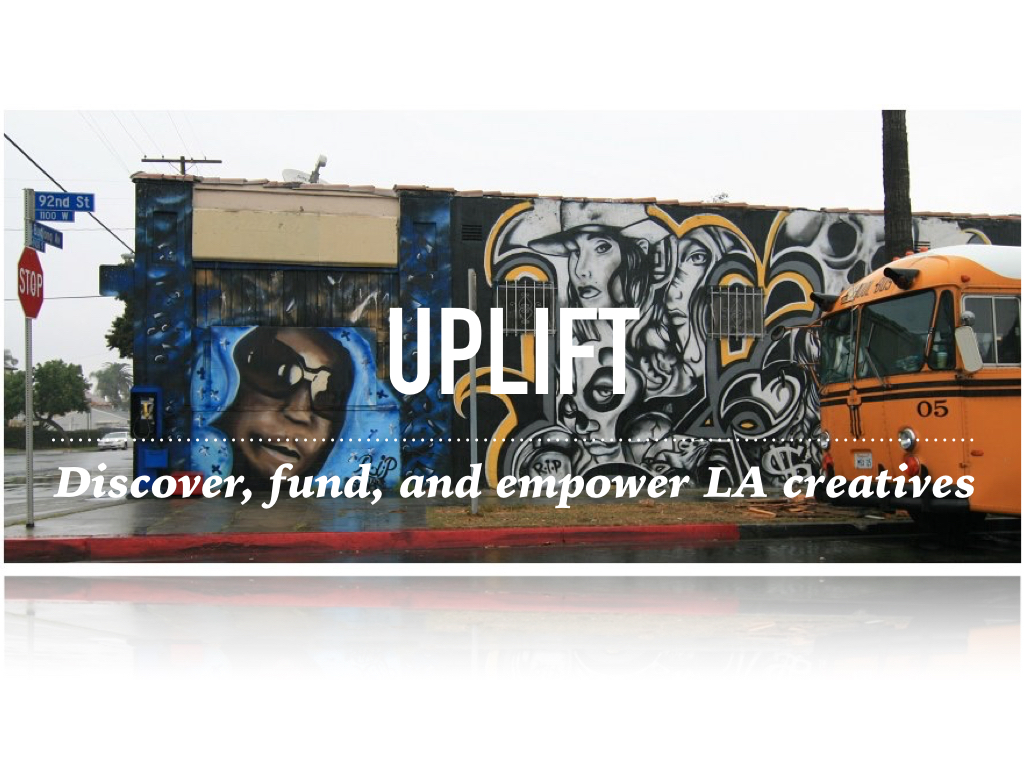
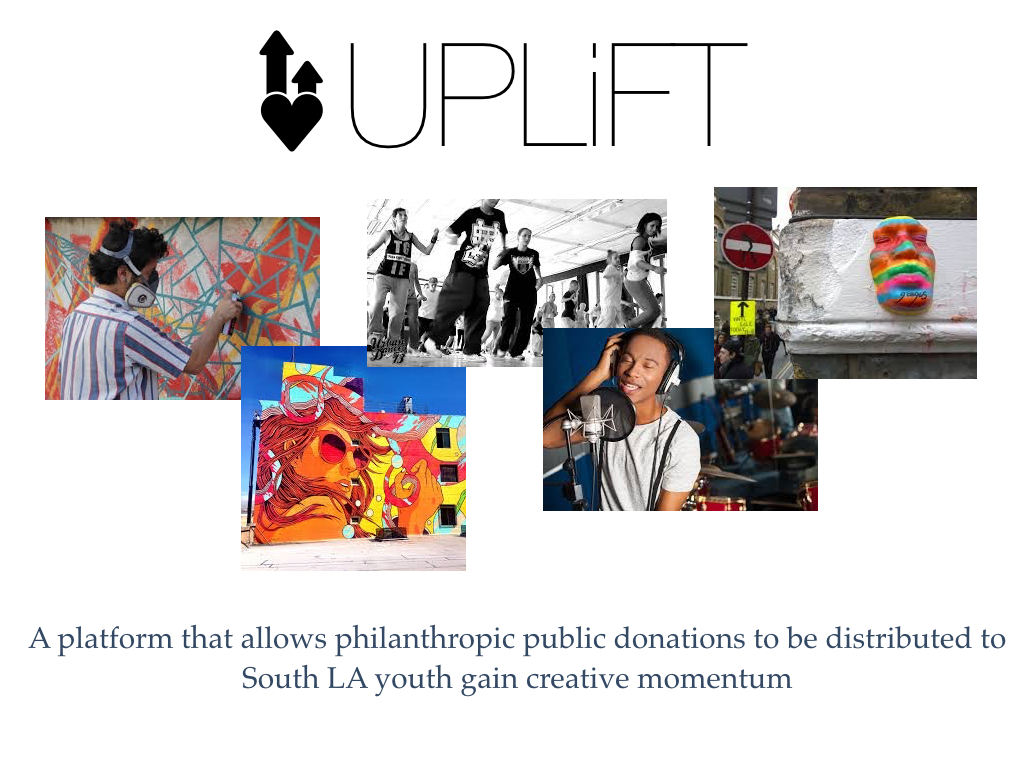
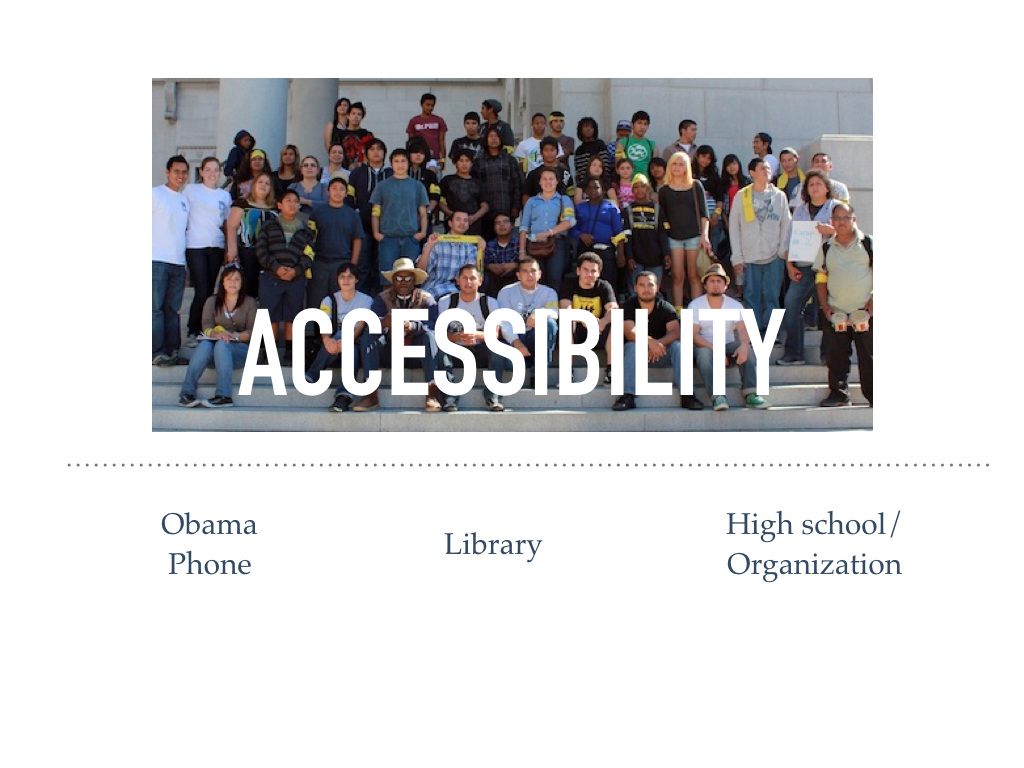
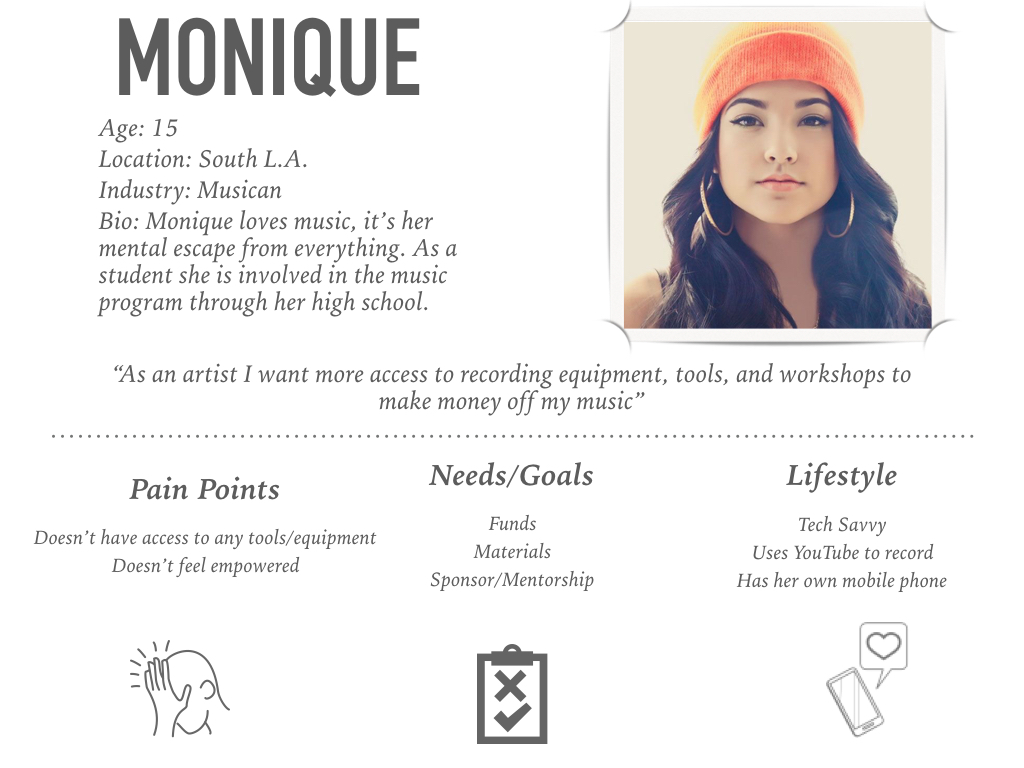
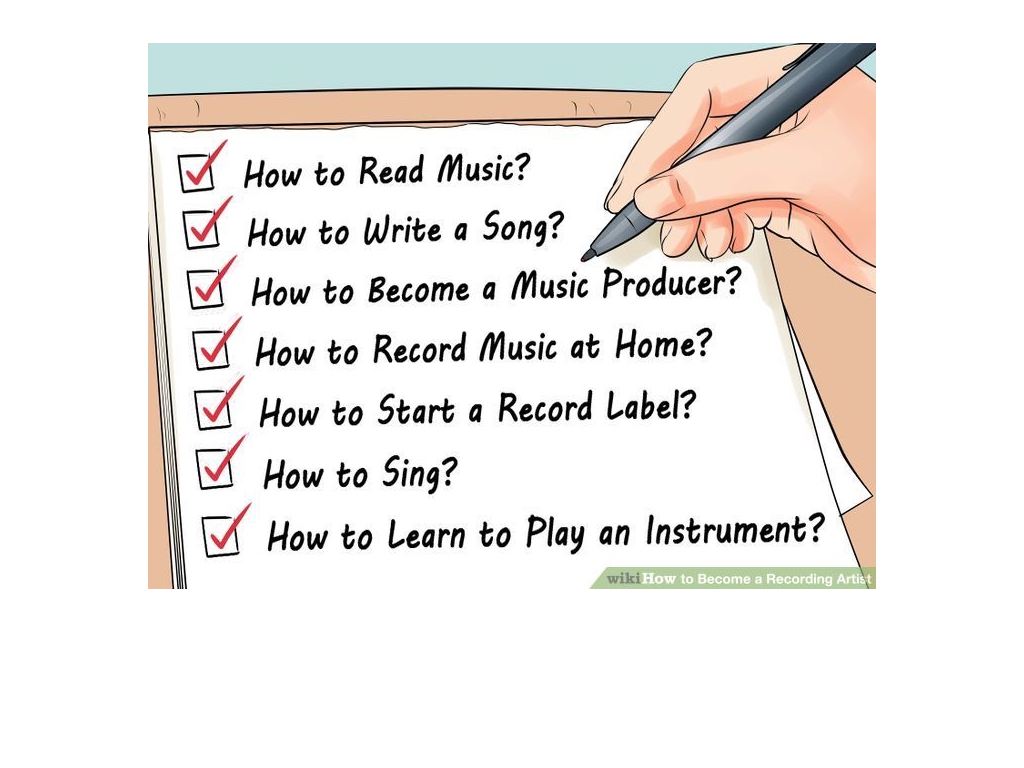
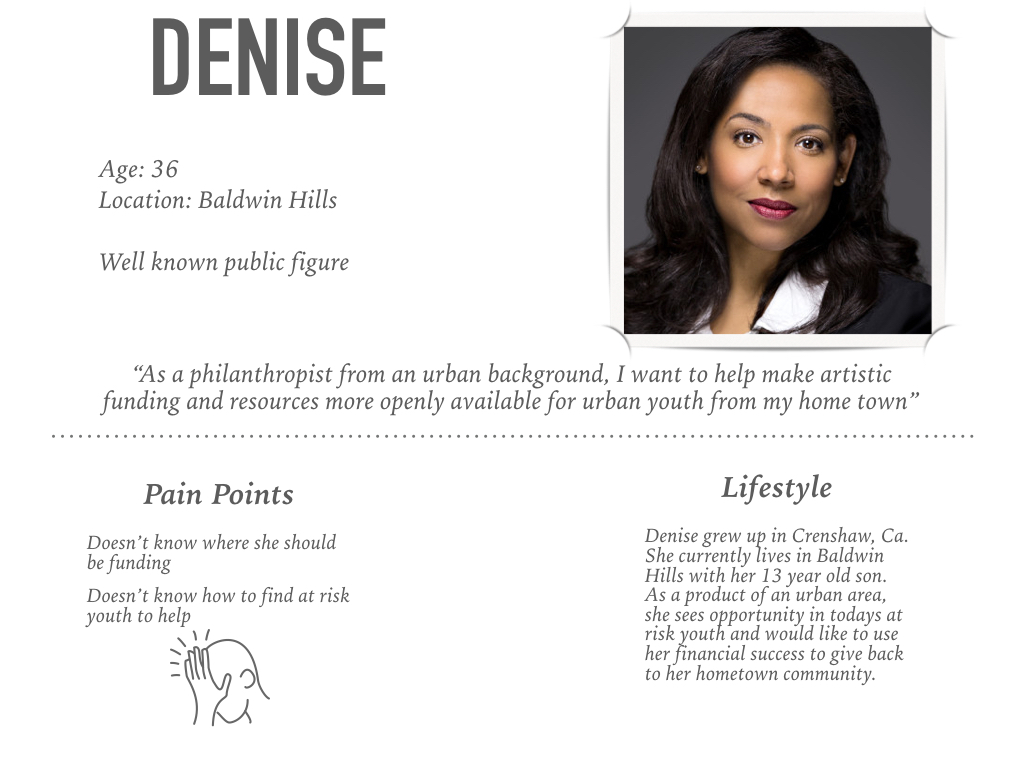
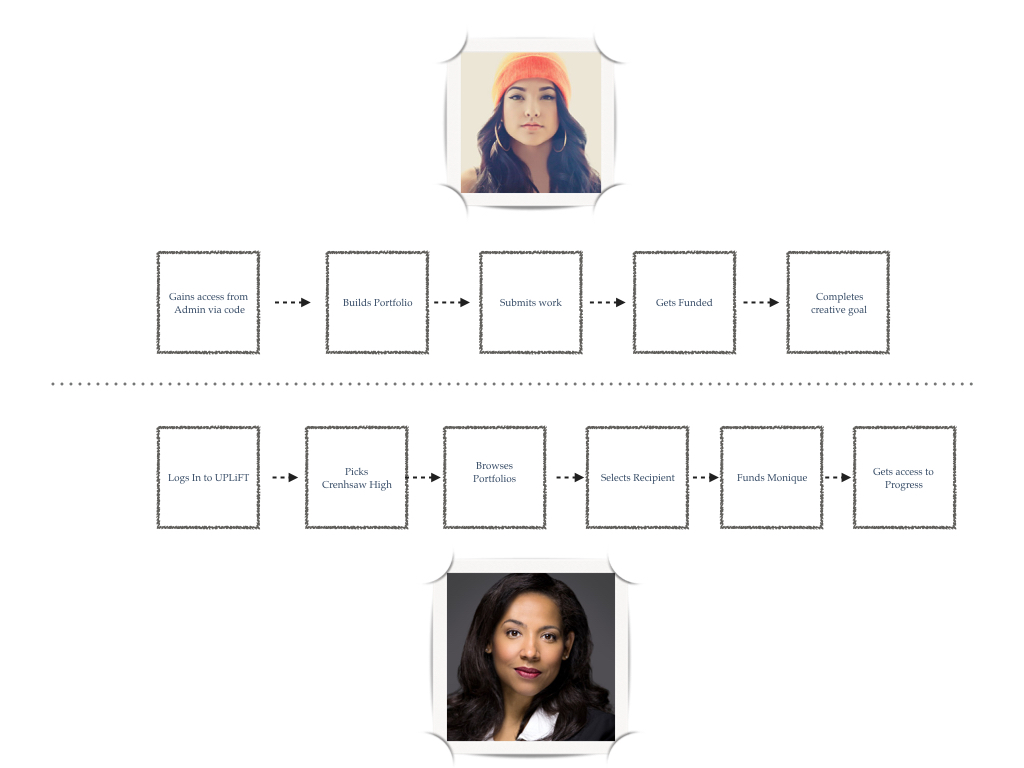
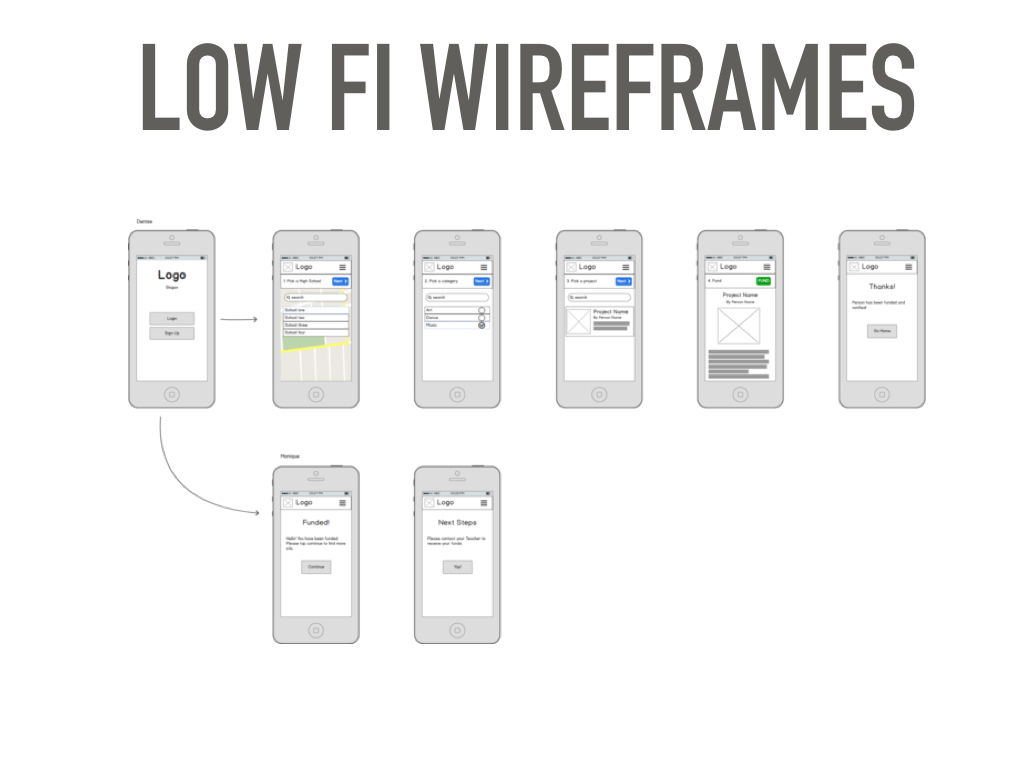
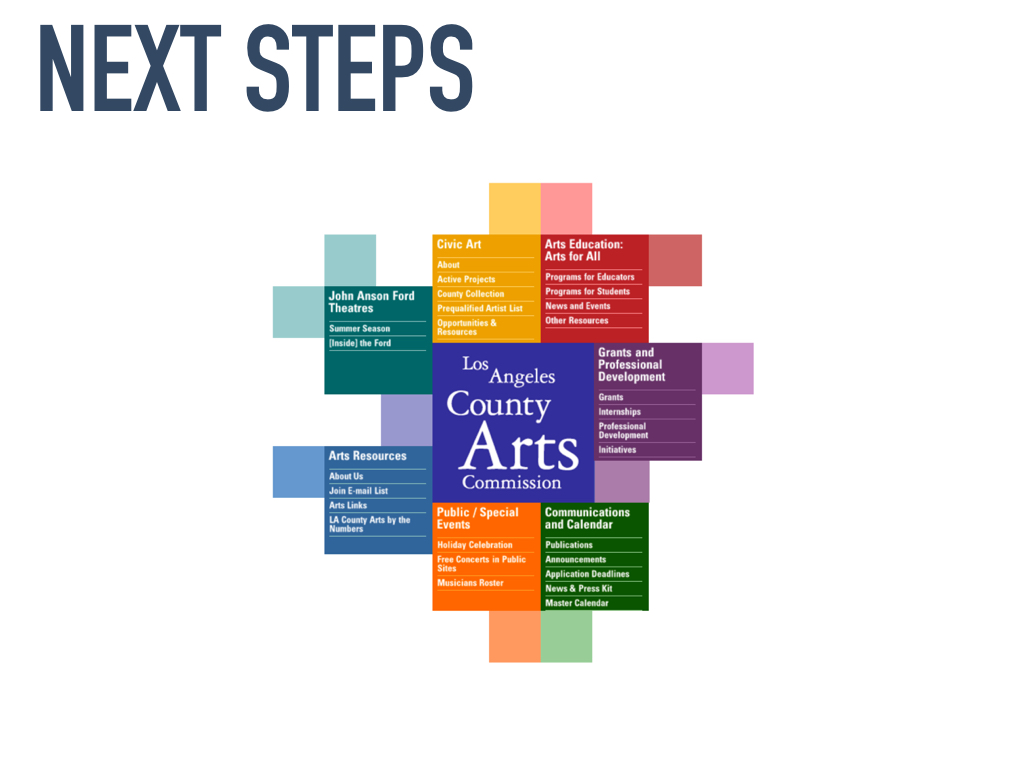
I am extremely proud of what my team accomplished. If you have questions or thoughts about Uplift, please do not hesitate to reach out.
Going Global
“Every man lives by exchanging.”
A reality for most companies is the need to grow. We start offering a product or service in our home market and then eventually look to expand. We broaden our offering to tap new customer segments. Then we look to expand into new markets. The most prolific companies of the 20th century successfully expanded by building and maintaining operations abroad. They leveraged sophisticated delivery networks to move goods from one corner of the world to the other. However, much of what we know about our current economy going forward is that it will be digital. This presents new challenges for companies looking to deliver digital services abroad and the path to growth may look different
Cross-border bandwidth since 2005 grew 45 times. This chart predicts an additional 9x growth in the next five years.
This is not a surprise. We are communicating, transacting, and sharing data across borders more than ever. Since 80% of the purchasing power is outside of the U.S., it is highly unlikely this will slow down. The dynamics of the web and mobile ecosystem makes it very easy for customers to access. It's instantaneous and very cheap. It is exactly for this reason it's often difficult to stop a product's momentum. However, some countries have taken to policy to address the issue.
Netflix recently came under fire in Europe for not carrying enough local content. Each market is rightfully entitled to regulate industries, but this is such risk that digital companies need to overcome. It is likely this trend will only gain steam. Our challenge moving forward is in acquiring and retaining access to customers abroad. Big companies may take it upon themselves to address the issue, but it may be more advantageous for companies with limited resources to seek partnerships and work with the local markets.
Digital companies should leverage the knowledge they've built and provide this as a service to partners in new regions. It removes a lot of the dangers involved in marketing to a new crowd and avoids any legal issues. As with any new challenge, it's a great opportunity for new startups to tackle.
The theme we're likely to see in the next five years:
more attention focused towards global growth
increase access of new markets
on-boarding new markets to services provided by teams abroad
increase in non-typical multinationals
Massive potential for teams who can deliver:
easier access to local markets around the world
streamlined partnerships and M&As
increase share of resources and IP
easier and faster diligence in joint ventures
ease of access to resources protected by policy
As with new opportunities, the actual outcome may take a different form. Digital services will look to expand beyond their potential.
Market Needs
I tinker a lot. I grow frustrated with a product so I hack something together to fix it. However, I fall short convincing a friend or the person near me to take my newly built thing for a spin. My new "hack" did not meet her expectations or any need. Fortunately, it can be easily addressed by exploring the market before diving into the code.
It’s a scary thought: forcing yourself to stop and ask questions. But doing some homework can decide the fate of your project. Your first priority is finding out what the market already has that solves your problem (or frustration). Imagine your car broke down one early morning and you need to get to work. How would you do it? You can call up a dealership and buy a brand new car to take to work, find the nearest bus stop and take public transportation, or call a cab to pick you up and drop you off. These are all viable solutions that can do the job. How would your product compete?
Working backwards is your best bet at building something that actually serves your customers. It aligns their interests with yours and helps carve an entry for your team.